How to Clean Office Computer Areas Safely
Office computer areas collect dust, fingerprints, crumbs, and other debris through everyday use. Desks, keyboards, monitors, mice, cables, and surrounding surfaces can become dirty quickly, especially in busy workplaces.
Cleaning these areas requires care because electronic equipment can be damaged by excessive moisture, unsuitable cleaning products, or improper handling. A safe cleaning routine focuses on removing dirt while protecting computers and other office equipment.
Turn Off Equipment Before Cleaning
Before cleaning around computers, employees or cleaning staff should follow the equipment manufacturer’s instructions and turn off or disconnect equipment when appropriate. Cleaning around powered electronic devices requires extra care to prevent accidental damage.
Computer equipment should never be sprayed directly with cleaning solutions.
Keep Liquid Away From Electronics
Excess moisture can damage keyboards, monitors, computers, and other electronic components. Cleaning solutions should be applied only according to manufacturer guidance and never sprayed directly onto electronic equipment.
A suitable cloth that is lightly dampened when permitted can be used for appropriate external surfaces.
Clean Computer Monitors Carefully
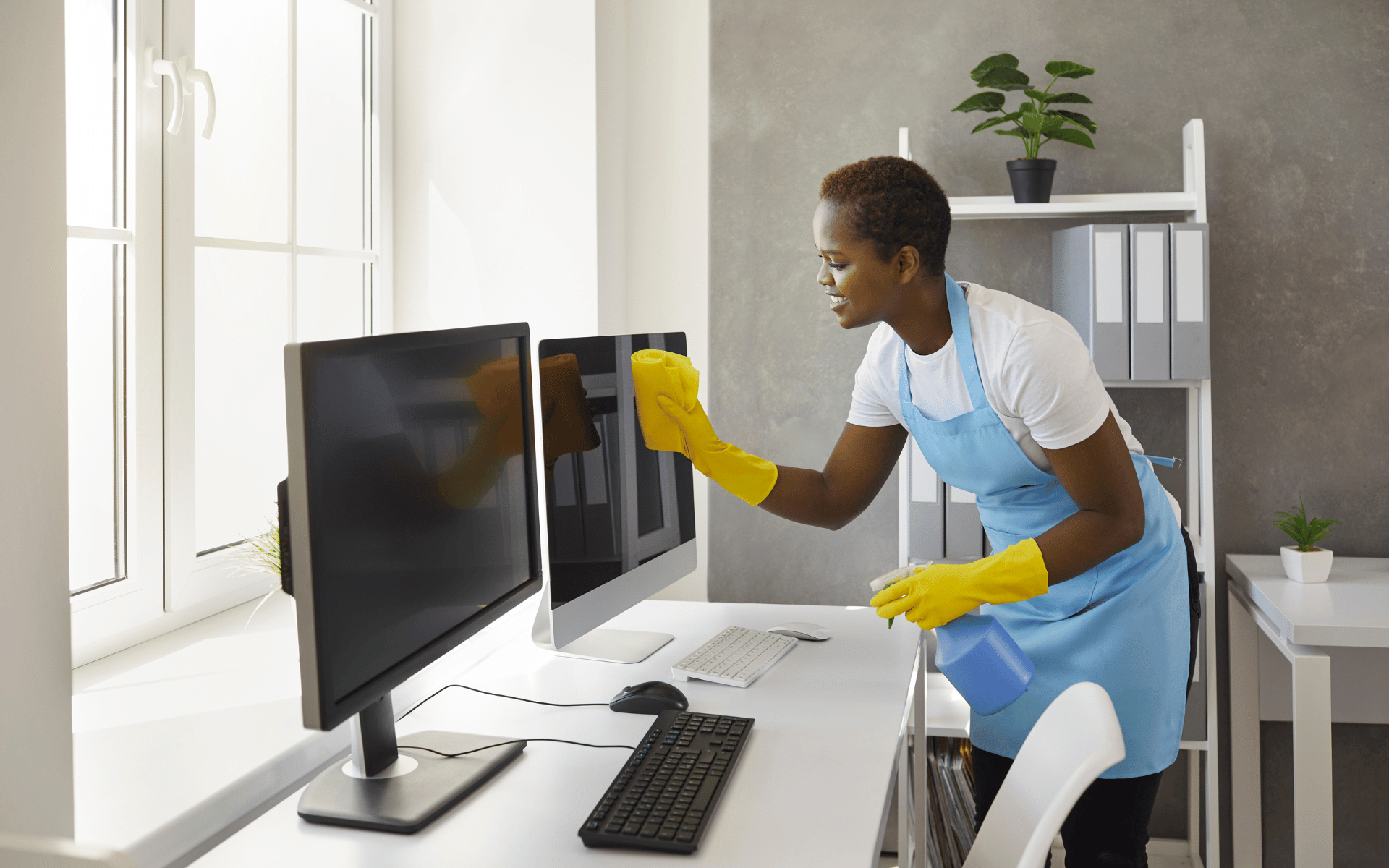
Monitors can collect fingerprints and dust that affect their appearance. Use a soft, suitable cloth and follow the manufacturer’s cleaning recommendations for the specific display.
Avoid abrasive materials and products that are not designed for the monitor surface.
Clean Keyboards and Mice
Keyboards and computer mice are frequently touched and can collect dust, crumbs, and other debris. Cleaning staff can carefully remove loose debris and clean external surfaces using methods and products appropriate for the equipment.
Special attention should be given to frequently touched areas without allowing liquid to enter openings.
Keep Desks and Surrounding Areas Clean
Dust and debris around computer workstations can accumulate on desks, shelves, monitor stands, and other nearby surfaces. Regular office cleaning can help keep these areas organized and reduce visible buildup.
Cleaning staff should work carefully around cables, power connections, docking stations, and other equipment.
Use Proper Cleaning Procedures
Janitorial employees should understand which products and tools are appropriate for different office surfaces. Training and clear cleaning procedures can help reduce accidental damage and ensure computer areas are maintained consistently.
Office cleaning schedules should also account for the sensitivity and accessibility of electronic equipment.
Pay Attention to High-Touch Computer Areas
Keyboards, mice, desk phones, shared workstations, and other frequently touched surfaces may require regular attention. Cleaning frequency can depend on the number of users, workspace layout, and facility requirements.
For businesses in Houston and surrounding Texas communities, a customized janitorial schedule can include safe cleaning of computer work areas while considering the specific equipment and surfaces in the facility.
Final Thoughts
Cleaning office computer areas safely requires careful handling, appropriate products, and attention to manufacturer recommendations. By keeping desks and surrounding surfaces clean while protecting electronic equipment from excessive moisture and unsuitable products, businesses can maintain cleaner and better-organized workstations.